Arduino Uno Fundamentals: Sensors, Displays & Real Projects
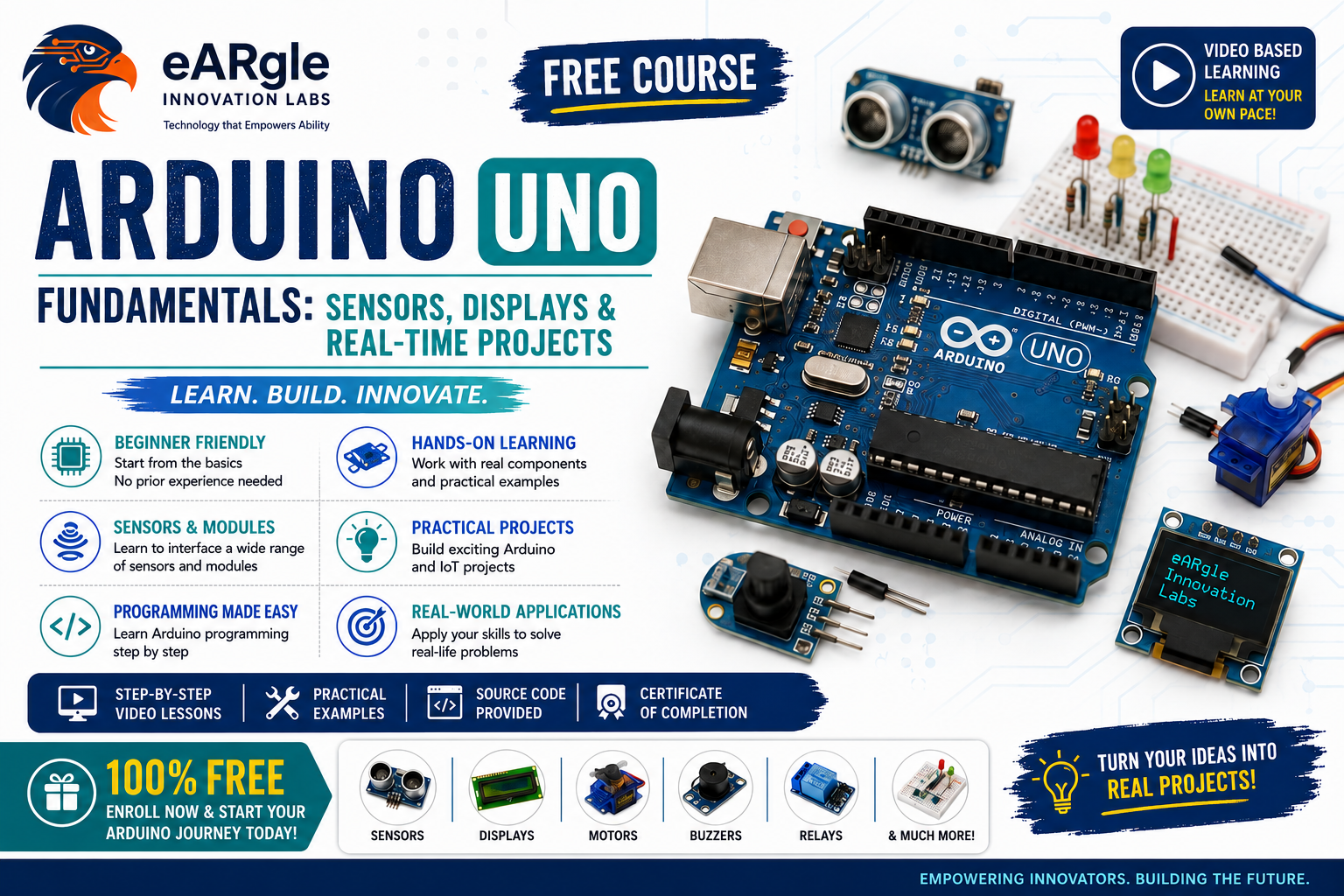
About Course
Most people who try to get into IoT quit in week one — not because it’s hard, but because every tutorial assumes something you don’t know yet.
This course starts at actual zero. What IoT means. What a breadboard is and how its rows are wired. How to install the IDE. Then your first blinking LED — and from there, one working build at a time, until you’ve wired eight different sensors, driven displays and motors, and combined them into complete monitoring systems.
Every lesson ends with something running on your desk. Every project has source code on GitHub, a wiring walkthrough and a live demo. No skipped steps, no expensive kit.
By the end you’ll have built ten working projects — a security alarm, a smart parking gate, a gas leak detector, an air quality monitor, a smart irrigation system — and you’ll be able to design your own from a blank breadboard.
This is the foundation layer of IoT: the sensing and embedded programming that everything else is built on top of.
100% free. Self-paced. Certificate on completion.
What You’ll Learn
- What IoT actually is, the six levels of IoT, and where real deployments use it
- How breadboards, power rails, resistors and LEDs work — the electronics you can’t skip
- Install and navigate the Arduino IDE, and write, upload and debug your first sketches
- Read and interpret analog and digital sensor data on an Arduino Uno
- Drive a 16×2 LCD (with and without I2C) and a 0.96″ SSD1306 OLED, including animations and text effects
- Understand I2C vs SPI and why pin count matters on a board with 14 digital pins
- Interface 8 real sensors: IR proximity, PIR motion, ultrasonic, MQ-6 gas, MQ-135 air quality, DHT11 temperature/humidity, soil moisture
- Control a servo motor and build an automated gate system
- Set sensor thresholds and trigger buzzers, LEDs and motors in response
- Combine multiple sensors into a single multi-screen monitoring system
- Read and adapt open-source Arduino code instead of copy-pasting blindly
- Debug circuits systematically when nothing works
Course Content
Module 1 — Foundations: IoT, Electronics & Your First Program
-
What is IoT? Internet of Things Explained + The 6 Levels of IoT
08:14 -
Breadboard Basics: How to Use It + Types Explained
06:42 -
Installing the Arduino IDE (2025) + Full UI Tour
03:52 -
Arduino Uno Basics: Blink an LED & Write Your First Code
14:45 -
Module 1 Quiz — Foundations: IoT, Electronics & Your First Program
Module 2 — Displays: Making Your Project Speak
Module 3 — Sensing & Responding: Proximity, Motion, Distance & Motors
Module 4 — Environmental Sensing: Gas, Air Quality & Climate
Capstone Builds: Multi-Sensor Systems
Student Ratings & Reviews