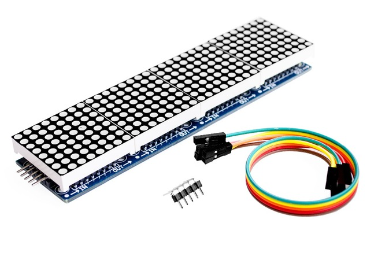
Description
Key Features:-
-
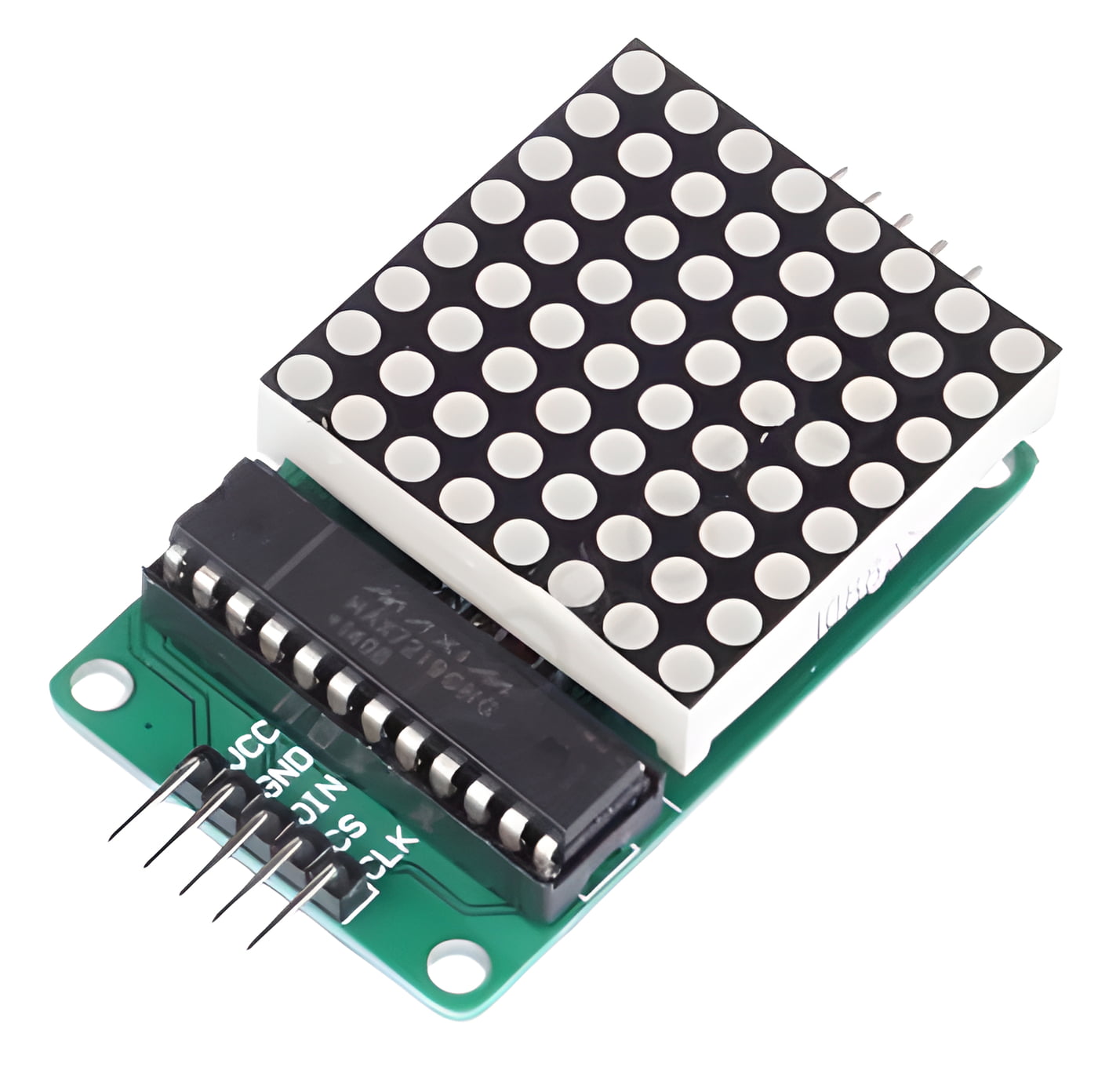
Matrix Configuration: The module typically consists of four 8×8 LED dot matrix displays arranged in a 2×2 grid. This configuration allows you to create larger and more visually appealing displays.
-
LEDs: Each dot matrix display contains 64 individual LEDs (8 rows x 8 columns). These LEDs can be controlled independently to display text, numbers, symbols, and graphics.
-
MAX7219 IC: The MAX7219 is a popular LED driver IC designed to control LED displays efficiently. It can drive up to 64 LEDs per IC and is cascaded to control multiple displays.
-
Cascadable: Multiple MAX7219 modules can be daisy-chained or cascaded together to create larger displays. This makes it suitable for creating scrolling message boards and scoreboards.
-
Serial Interface: The MAX7219 module communicates with microcontrollers and other devices using a simple serial interface. This simplifies the control of the LED matrix.
-
Brightness Control: The module often includes brightness control settings, allowing you to adjust the intensity of the LED display.
-
Segmented Displays: While the module is designed primarily for dot matrix displays, it can also be used to create segmented displays for numeric digits and alphanumeric characters.
-
Applications: The MAX7219 Dot Matrix 4 in 1 Display Module is used in various applications, including digital signage, scoreboards, message displays, and clock displays.
-
Library Support: Libraries and code examples are available for popular microcontrollers and development platforms, making it easier to interface with the module.
-
Mounting: The module typically includes mounting holes for secure attachment to a project or enclosure.